AI Shorts Maker

Upload your photos or clips, and get a narrated video in minutes.

AI Shorts Maker

Upload your photos or clips, and get a narrated video in minutes.

Available on Mac, Windows, and Linux

AI Shorts Maker

Upload your photos or clips, and get a narrated video in minutes.

Turn photos into ready-to-share videos — fast
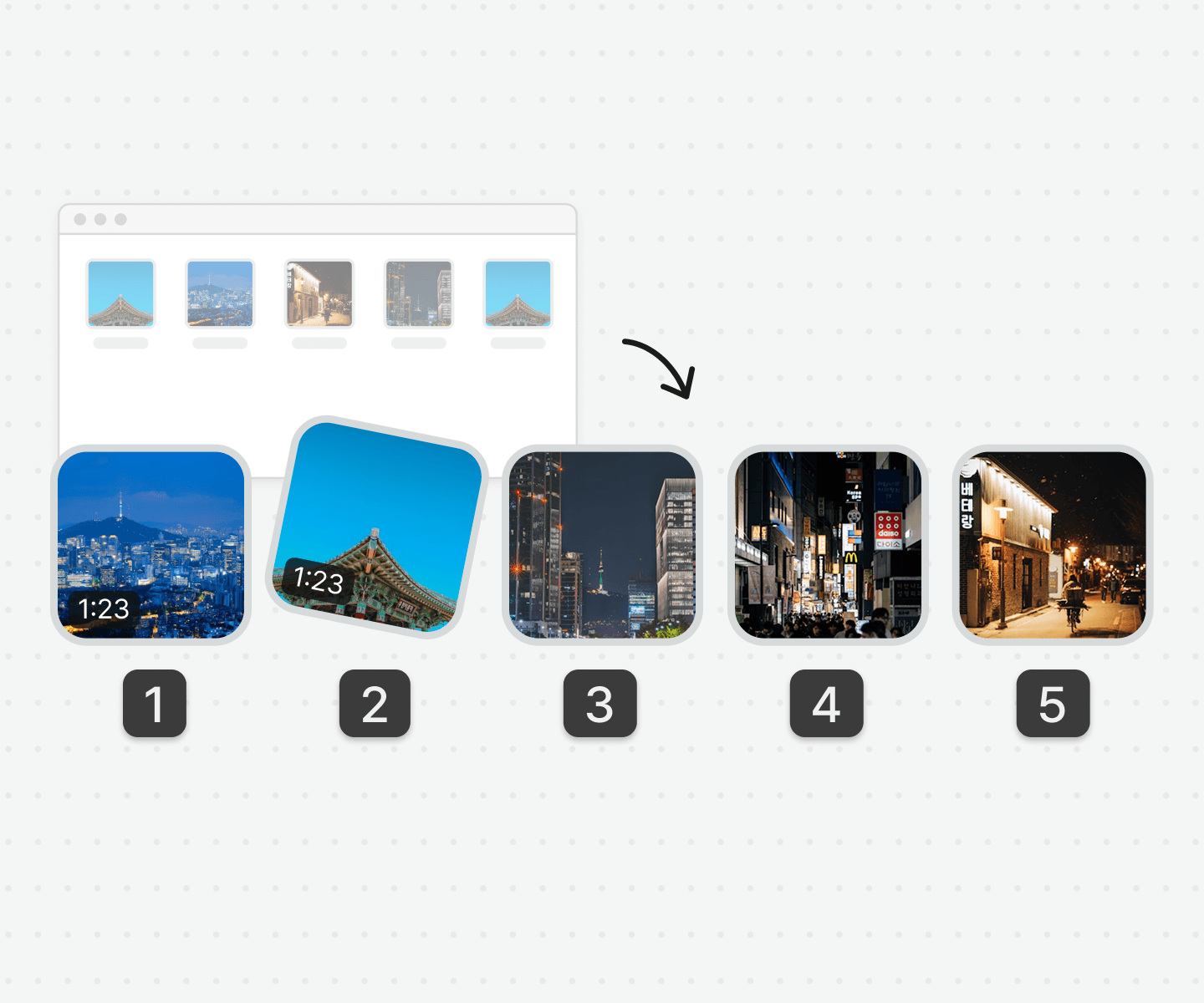
Simply upload your media, and Vrew takes care of the rest.

Simply upload your media, and Vrew takes care of the rest.

No trimming or script needed. AI arranges everything into a cohesive story,
finds the highlights, and adds matching captions automatically.

No trimming or script needed. AI arranges everything into a cohesive story,
finds the highlights, and adds matching captions automatically.

Fully narrated shorts. No editing required.

Fully narrated shorts.
No editing required.

Auto-sorted media

Vrew analyzes your photos and clips, and arranges them into a natural, cohesive flow so you don’t need to worry about the order of your files.

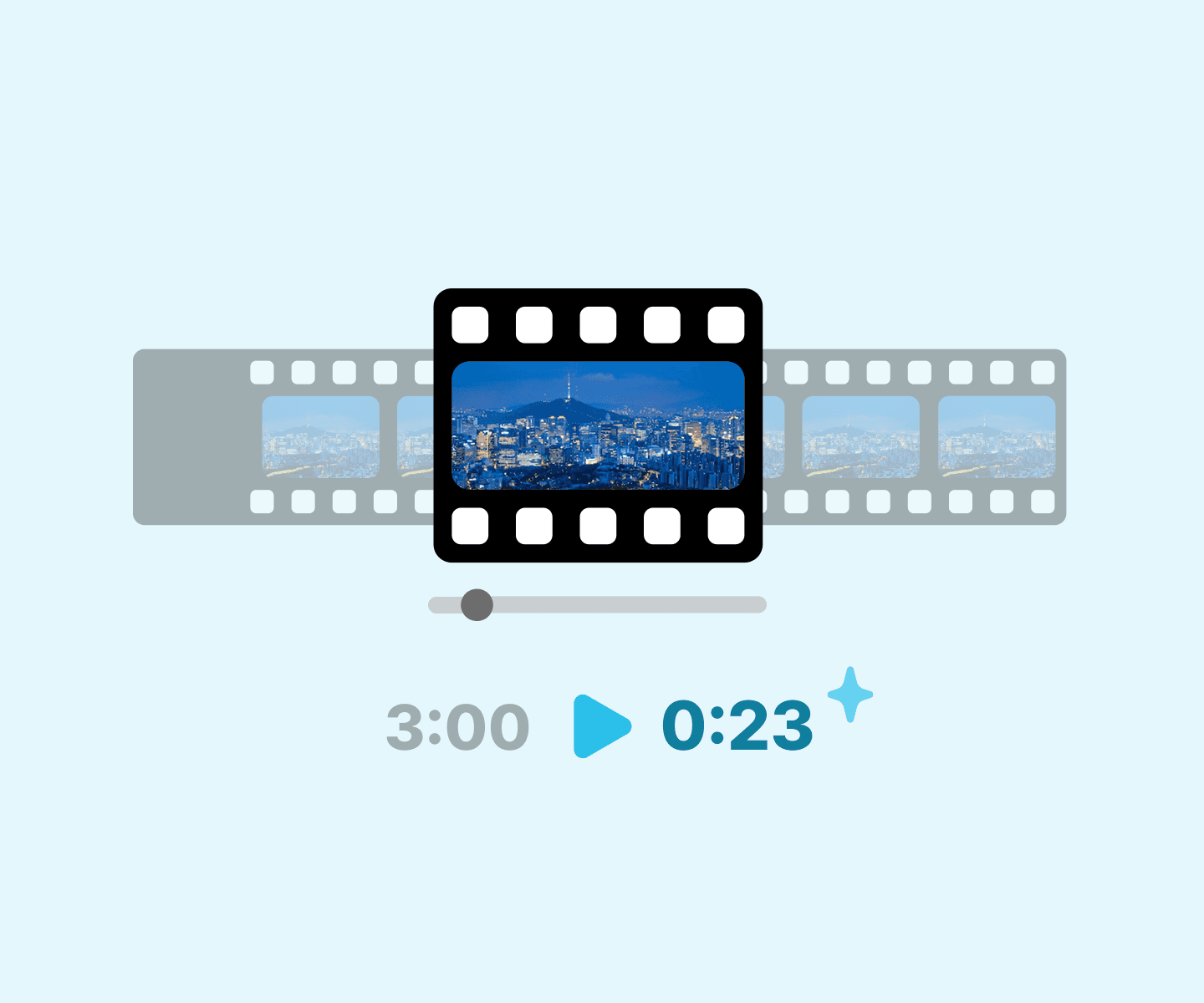
Best highlights picked out

AI automatically extracts key moments, trims dull sections, and keeps the pacing tight for a more engaging video.
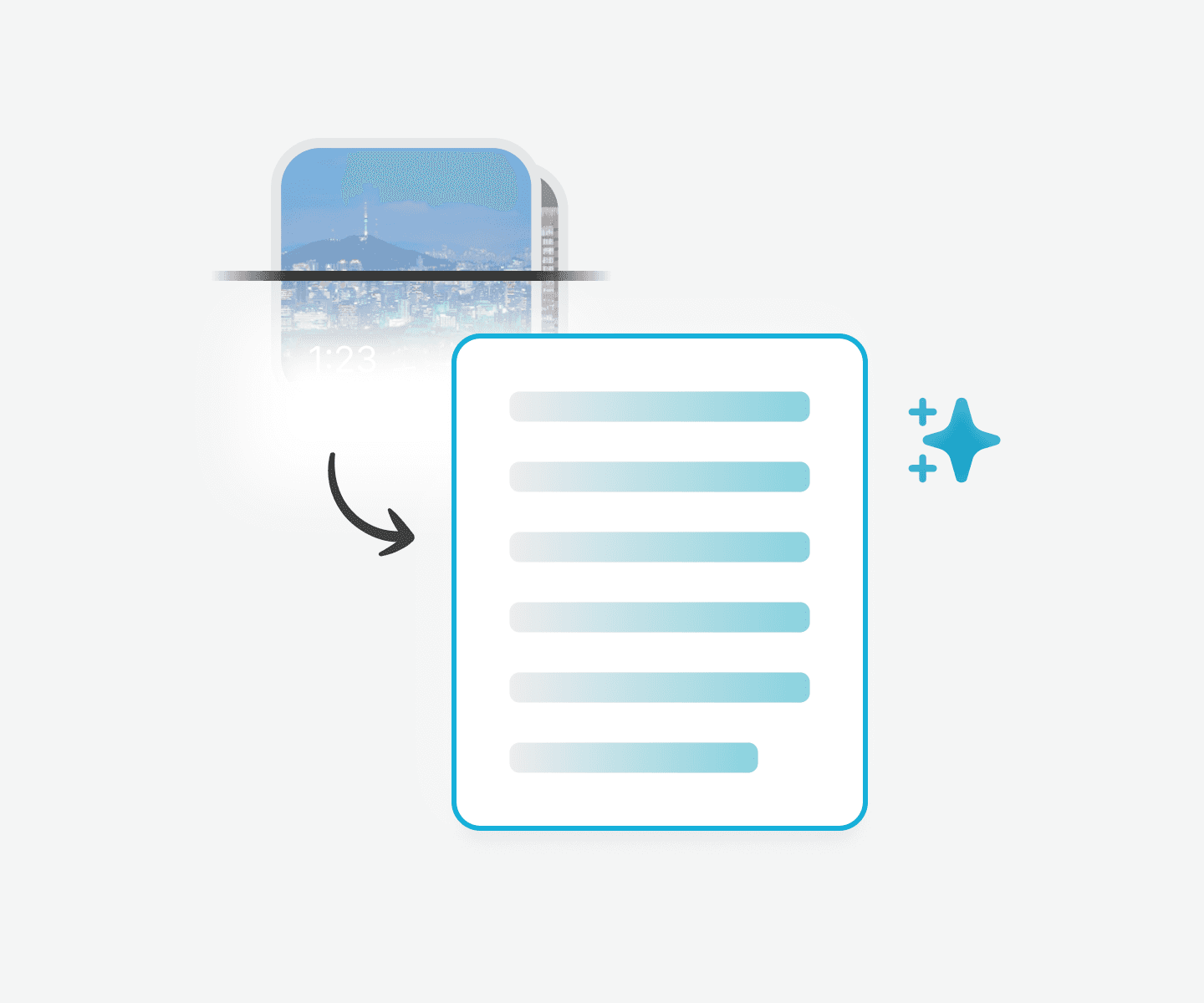
Auto-generated script

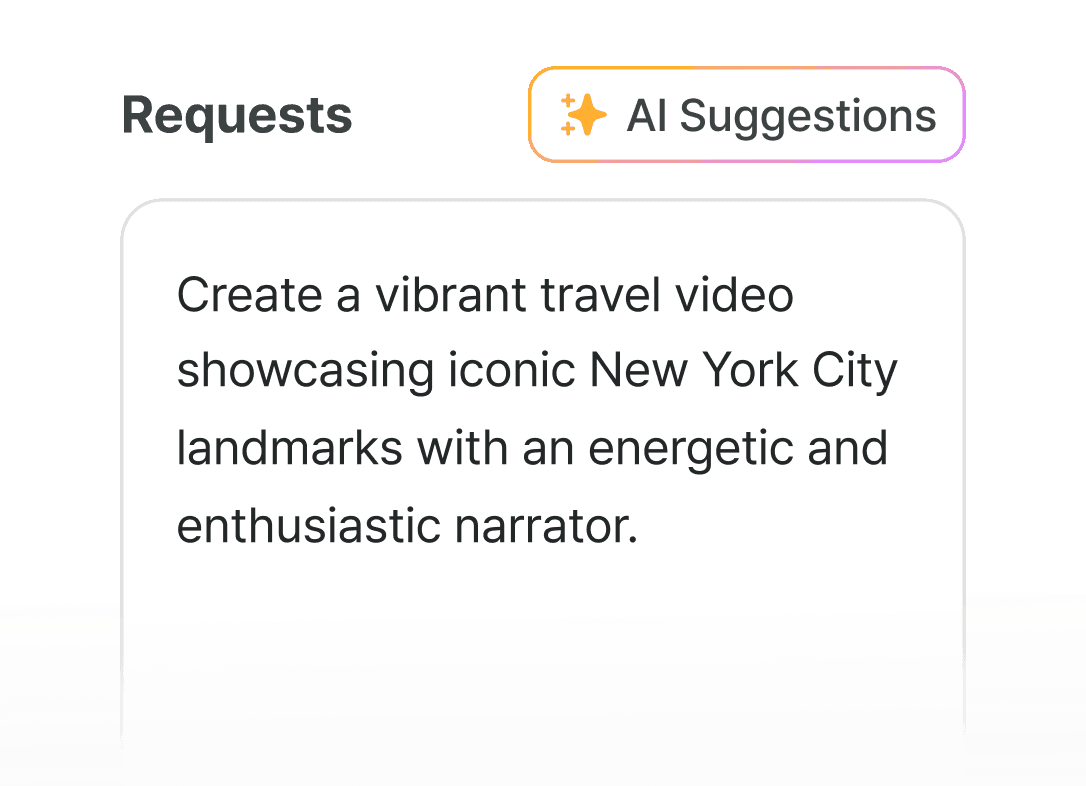
Vrew automatically creates a narration that is perfectly synced to your visuals. You can also add a prompt to adjust the tone or style, or choose from the AI-suggested options.

How to auto-create shorts with Vrew
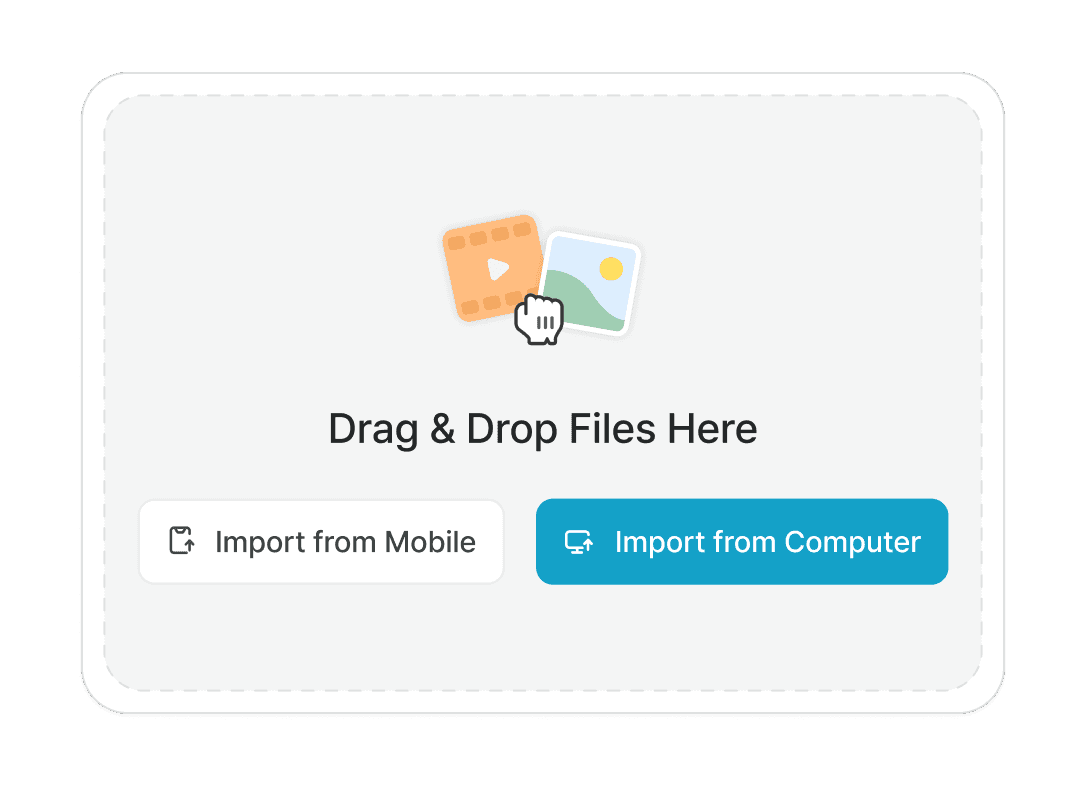
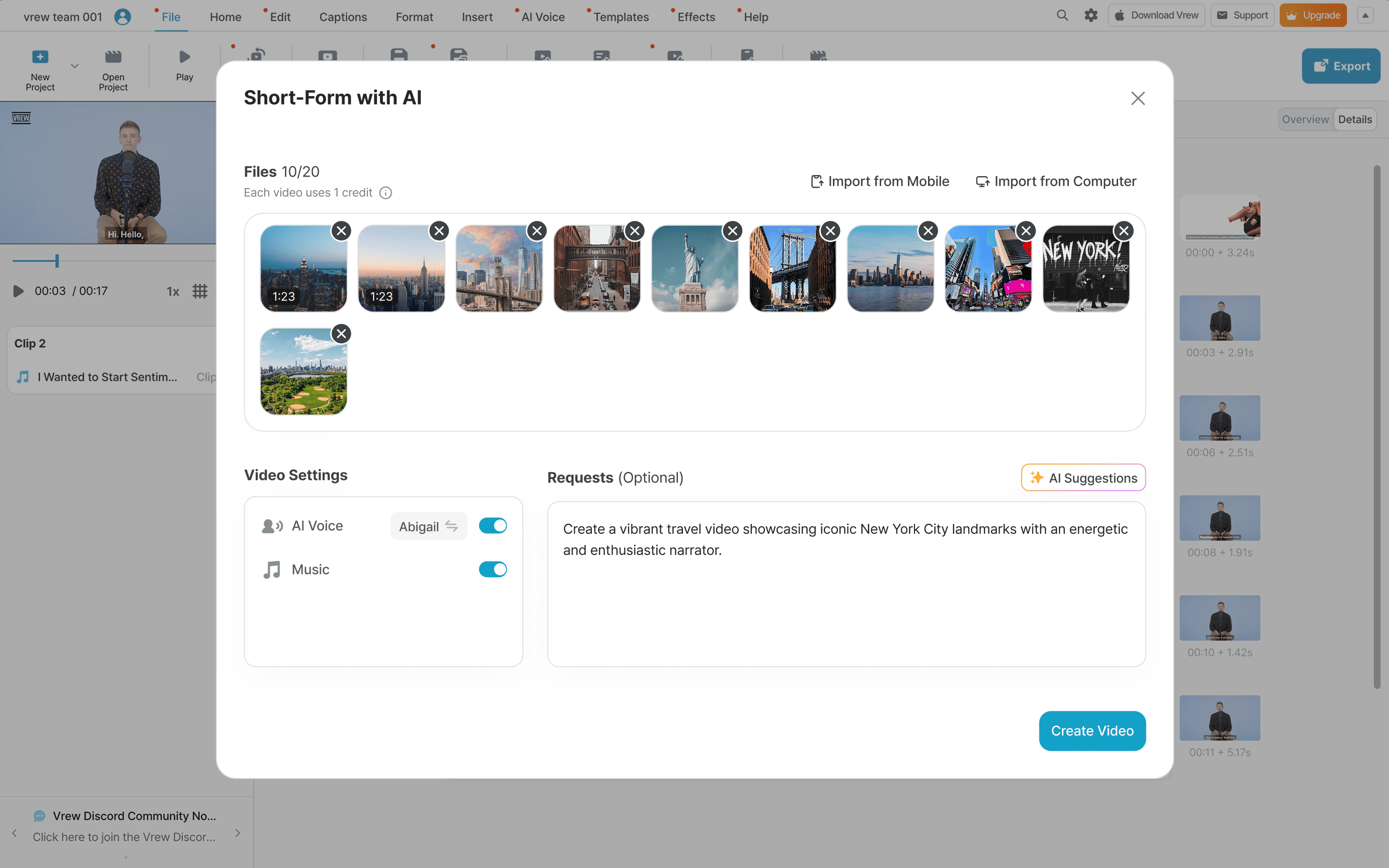
1. Upload photos or clips

Just upload your media, and Vrew will auto-sort and pick the best moments.

1. Upload photos or clips

Just upload your media, and Vrew will auto-sort and pick the best moments.

1. Upload photos or clips

Just upload your media, and Vrew will auto-sort and pick the best moments.

2. Add a prompt

Set the style and tone with your own prompt, or choose one suggested by AI.

2. Add a prompt

Set the style and tone with your own prompt, or choose one suggested by AI.

2. Add a prompt

Set the style and tone with your own prompt, or choose one suggested by AI.

3. Adjust video settings

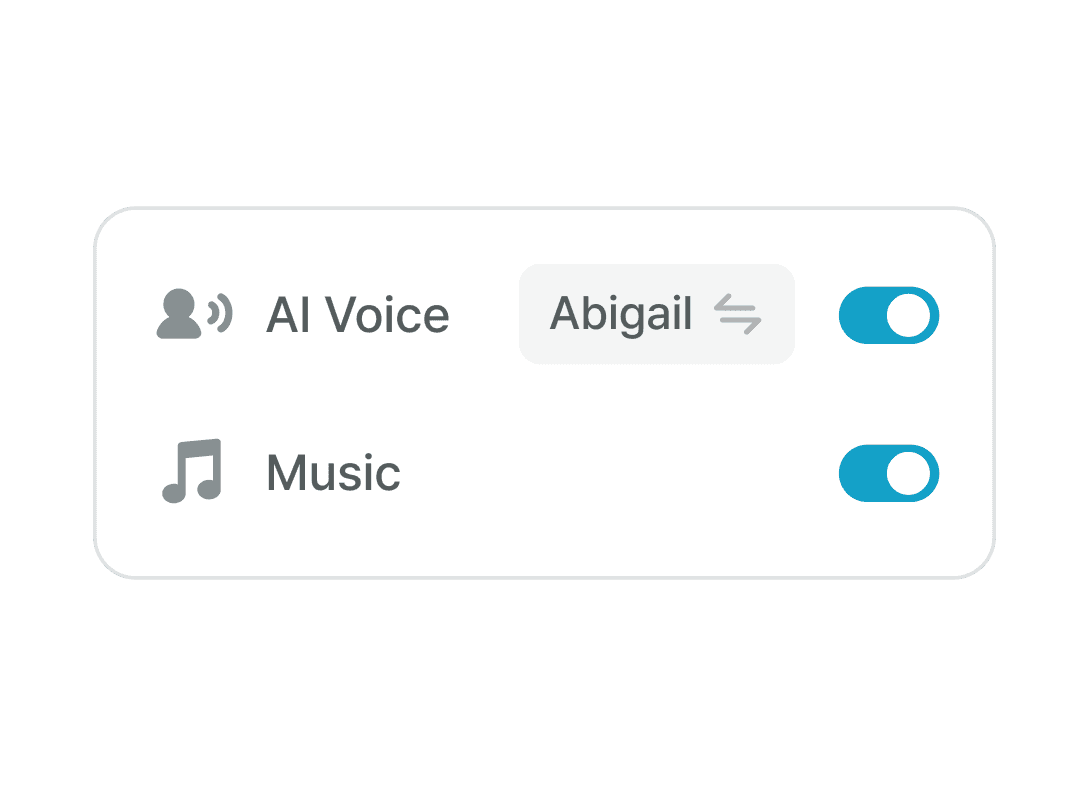
Need narration? Select an AI voice and background music to match the mood.

3. Adjust video settings

Need narration? Select an AI voice and background music to match the mood.

3. Adjust video settings

Need narration? Select an AI voice and background music to match the mood.

Ways to use AI shorts

Social media marketing

Social media marketing

Social media marketing

Grab attention instantly with fast-paced, captioned videos that stand out on social media feeds.

Grab attention instantly with fast-paced, captioned videos that stand out on social media feeds.

Grab attention instantly with fast-paced, captioned videos that stand out on social media feeds.

Product demos & tutorials

Product demos &
tutorials

Showcase your product’s key features in short, impactful clips that drive clicks and conversions.
Vlogs, travel, and event recaps

Vlogs, travel,
and event recaps

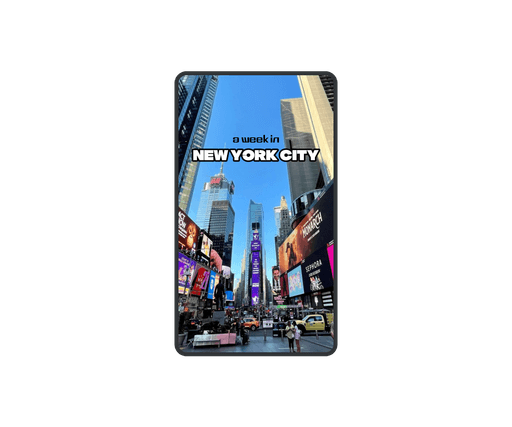
Turn your snapshots and footage into one-minute highlight reels, perfect for sharing and reliving those special moments.
Create shorts in minutes with Vrew

Create shorts in minutes with Vrew

Available on Mac, Windows, and Linux

Create shorts in minutes with Vrew

English

VoyagerX, Inc.

vrew-feedback@voyagerx.com

English

VoyagerX, Inc.

vrew-feedback@voyagerx.com